REVIEWS • PIXEL PRESS
Best budget controller for PC gaming under thirty dollars: what to check first
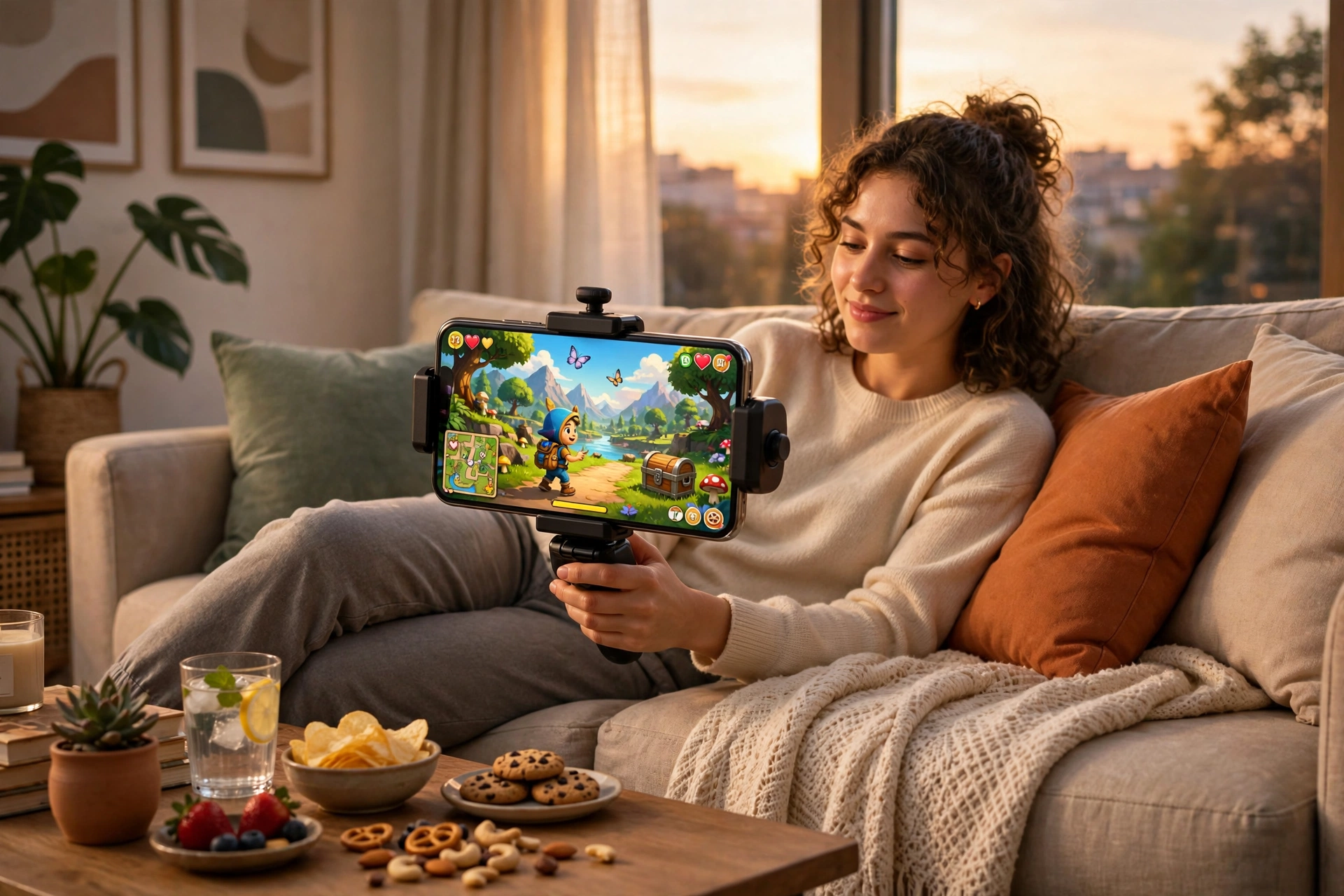
A controller can change PC gaming completely. Racing games feel natural, platform games feel precise, and long sessions on the sofa feel far more comfortable than hunching over a keyboard. You do not need to spend a lot to get those benefits, but you do need to choose carefully, because budget controllers vary far more than budget mice or headsets. This guide will not name one perfect product or invent a score for it. Instead, it explains what to check first, so you can judge any controller in this price range for yourself and avoid the common traps.
The most important idea is that a budget controller is a compromise, and a good compromise is one where the parts you use every minute are solid, while the extras you rarely use are simple. Sticks, buttons, triggers, and the connection matter every second.
Fit first: shape, sticks, and buttons
Hold the controller the way you actually play before you decide anything else. Your thumbs should reach both sticks without stretching, your index fingers should rest naturally on the triggers, and your hands should not cramp after a few minutes. Some controllers are wide and flat, others are small and rounded, and the right shape depends entirely on your hand size and grip. If you can try one in a shop, do so for at least a few minutes, not just a quick squeeze. If you are buying online, read reviews from players with similar hand sizes and look for comments about comfort over long sessions, not just first impressions.
Sticks deserve special attention, because they are the first part to fail on many budget controllers. Check whether reviewers mention drift, which is when a character or camera moves on its own even though you are not touching the stick. Drift can appear after weeks or months, so look for long-term reviews, not only launch reviews. Buttons should feel consistent and responsive, with no sticky or mushy feeling, and triggers should travel smoothly rather than clicking harshly. Our advice on choosing a mouse that fits your hand in How to choose a gaming mouse that actually fits your hand follows the same principle: fit and feel matter more than specifications, and our budget headset guide shows how to judge budget gear without paying for branding.

Connection, compatibility, and battery life
Before you buy, check how the controller connects to a PC and whether your games will recognise it without extra software. Most modern PC games support the common controller layouts automatically, but some older games, or games from certain launchers, may need extra setup or may only work well with one layout. Wired controllers are usually the simplest and most reliable choice at a budget price: no batteries, no wireless lag, and no pairing problems. Wireless controllers are more convenient on a sofa, but at this price they can have shorter battery life and occasional connection drops, so read reviews specifically about wireless stability.
Battery life matters even for wired controllers if they also offer wireless play. A controller that lasts only a few hours wirelessly will spend most of its life plugged in anyway, so you might as well buy a wired one and save the money. Also check the cable: a long, sturdy, detachable cable is far more useful than a short, thin, fixed one that frays at the plug. If you play on a phone as well as a PC, our mobile gaming guide explains how clip-on controllers differ, and How to build a budget gaming setup without overspending will help you fit a controller into a wider budget plan. For the full beginner picture, see The Ultimate Beginner Gaming Guide.
Durability, warranty, and the traps to avoid
At a budget price, durability is where the real differences appear. A controller that feels solid on day one can develop a loose stick, a rattling button, or a failing cable after a month of daily use. Look for a warranty of at least a few months, a seller with a clear returns policy, and reviews written after several weeks of use. Avoid controllers with no brand name, no support page, and no reviews at all, however cheap they look, because there will be nobody to help if something breaks. Also be careful with controllers that promise professional features at a tiny price: extra paddles and adjustable everything often mean thinner plastic and weaker sticks somewhere else.
Another trap is buying a controller for one game and discovering it does not suit the rest of your library. Think about the games you play most: racing and sports games favour smooth triggers, platform and action games favour precise sticks and a good directional pad, and story games favour comfort above all. If you play a mix, choose a balanced, comfortable controller rather than a specialised one. Finally, remember that a controller does not replace a keyboard and mouse for every game. Strategy games, shooters that need fast aiming, and games with lots of typing are usually still better with a keyboard and mouse, and that is fine. The best setup is the one that lets you switch tools for each game.
Budget controller checklist
- Hold it first, or read long-term comfort reviews from players with similar hands.
- Check for stick drift reports, not just day-one impressions.
- Confirm PC compatibility and whether extra software is needed for your games.
- Prefer a wired connection, or a wireless model with proven stability and battery life.
- Look for a sturdy, detachable cable and a clear warranty and returns policy.
- Match the controller to the games you play most, not to a single game.
- Keep the receipt and test every button, stick, and trigger in the first week.
Frequently asked questions
Is a budget controller good enough for serious play? For most casual and story-driven play, yes, provided the sticks are accurate and the connection is reliable. Competitive players may want more precision later, but a good budget controller is a fine place to start.
Wired or wireless at a budget price? Wired is usually simpler and more reliable, with no battery worries. Choose wireless only if you play from a sofa and reviews confirm stable connections and decent battery life.
What is stick drift, and can I avoid it? Drift is when a stick reports movement without input, usually from wear. You cannot guarantee against it, but you can reduce the risk by choosing well-reviewed controllers, avoiding very cheap unknown brands, and testing thoroughly in the first weeks.
Where can I check compatibility before buying? Read the game's store page and controller support notes on Steam, and check the controller maker's support page. Player reviews on Epic Games free games and store pages can also reveal whether a game works well with controllers.
All text on this post was written for Pixel Press. No content was copied from another site.