GUIDES • PIXEL PRESS
Block-building games beginner guide: first steps, safety and fun
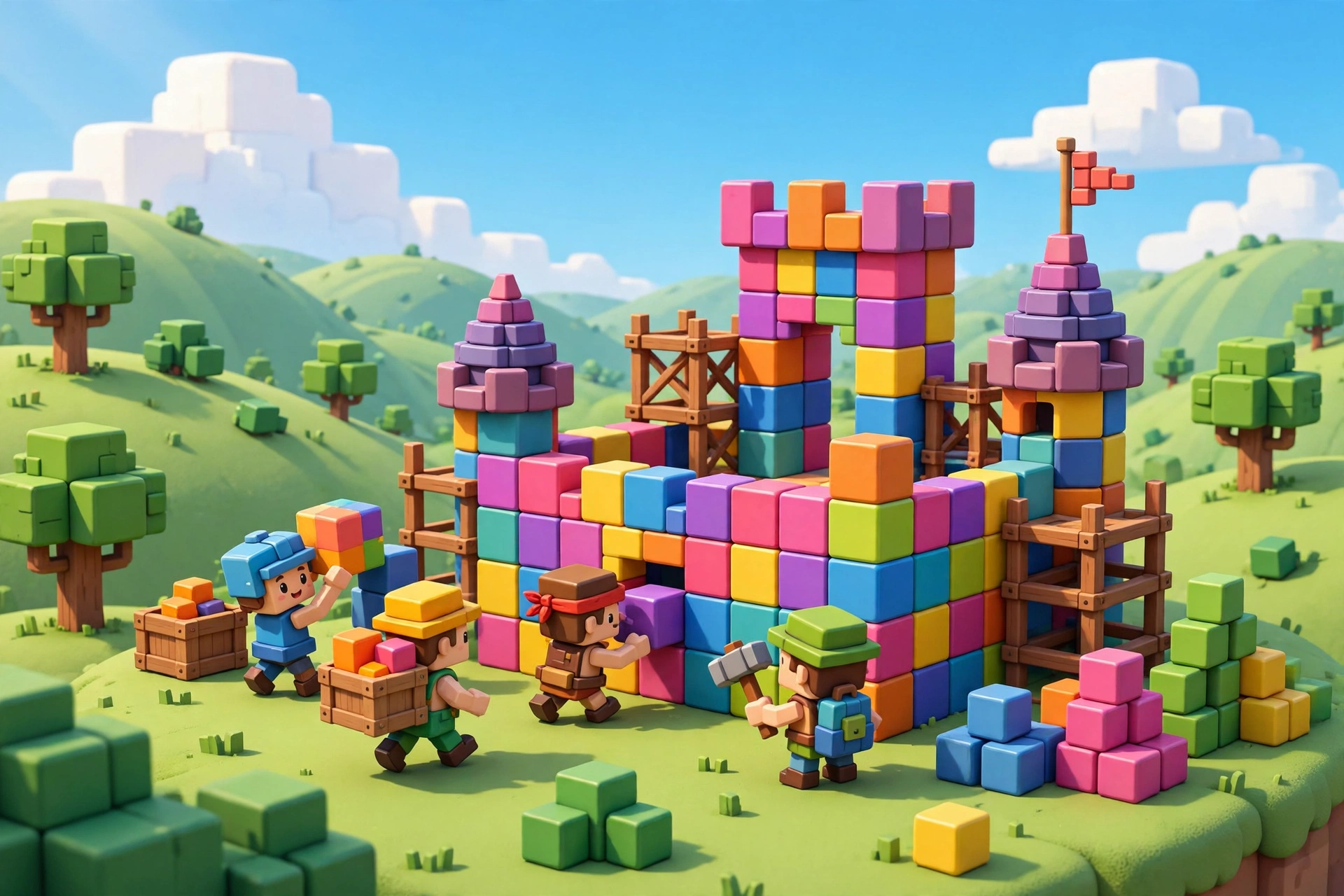
Block-building games are a great first step into gaming: you build, explore and play with friends in worlds made of blocks. Here is how to start safely and have fun.
Start in a private or friends-only world until you learn the controls and the rules.
Keep your account safe: use a strong password, never share it, and tell a trusted adult if someone asks for personal details.
Build small first — a house, then a tower, then a whole village. Small wins keep the game fun.
Your first world: start private, learn the controls
The best first world in a block-building game is a private one, where you can press the wrong button, knock down the wrong wall, and laugh about it without an audience. Spend your first session learning just four things: how to move, how to place a block, how to remove a block, and how to open your inventory or crafting menu. Everything else, from redstone-style circuits to elaborate farms, builds on those four skills, and trying to learn them all at once is the fastest way to feel overwhelmed. A flat, open area is a kind teacher: you can see what you built, find your way back easily, and expand in any direction when you feel ready.
Once movement feels natural, set yourself a tiny first project with a clear finish line. A simple shelter with four walls, a roof, a door, and a light source teaches planning, measuring, and gathering in one satisfying hour. Mark the spot with a tall tower or a distinctive colour so you can always find home again, and keep a small chest near the door for spare tools and materials. If you enjoy gentle survival play as well, our survival first-night guide covers first-night basics that pair well with building.
Building skills that grow with you
Good builders think in layers. First comes the shape: a rectangle, an L-shape, or a tower footprint that fits the land. Then comes the structure: walls thick enough to look solid, a roof that overhangs slightly, and windows placed where light actually enters. Only then comes decoration: paths, fences, flowers, lanterns, and furniture that make a building feel lived in. Working in that order stops the common beginner trap of decorating a single room for an hour while the rest of the house still has no roof. It also makes larger projects manageable, because each layer is a separate, finishable job.
Colour and material choice do more work than fancy shapes. Two or three materials that contrast gently, such as a warm wood with a pale stone, look better than ten materials competing for attention. Try building a small test wall before committing to a whole house, and step back often to look at your build from a distance, since a wall that looks fine up close can look flat or busy from afar. Copying ideas is part of learning: study builds you admire, work out why a roofline or a window pattern pleases you, and then rebuild the idea in your own style rather than copying it block for block. Creative and peaceful modes are ideal for this practice, because they remove resource pressure while you learn.
Playing with friends safely
Block-building games shine when friends build together, but shared worlds need shared rules. Agree before you start who can build where, whether anyone may change someone else's build, and what happens to shared materials. A simple rule, such as asking before editing another player's house, prevents most arguments, and a shared storage area with clear labels keeps cooperation pleasant. If you play on a server run by someone else, read its rules, note who the moderators are, and keep a backup of your own important builds where the game allows it, so a server change does not erase months of work.
Safety rules matter most for younger players, and they are simple to follow. Use a username that does not reveal your real name, age, school, or location, never share passwords or account codes, and never send photographs or personal details to someone you only know inside a game. Turn on the game's privacy settings, keep chat to friends-only when that option exists, and tell a trusted adult straight away if anyone asks for personal information, pressures you to keep secrets, or makes you uncomfortable. You can check a game's age rating on ESRB or PEGI before downloading, and official information about one of the best-known block games is available at Minecraft. For calm, creative play ideas beyond building, see our cozy gaming guide.
From first house to first village
When a single house feels comfortable, expand in small, connected steps rather than starting a huge castle you may never finish. Add a garden, then a path to a neighbour's house, then a small shop or stable, and let the village grow along the paths you actually walk. Each new building should solve a small problem: a farm near the kitchen, a workshop near the mine entrance, a lookout near the edge of town. That practical logic makes a village feel real, and it gives every building a reason to exist beyond looking impressive in a screenshot.
Simulators and other gentle genres teach similar planning skills, and our simulator starter guide is a useful next step if you enjoy managing systems and watching a small world run. Keep a simple project list, perhaps one building at a time, and celebrate finished projects before starting the next one. Screenshots are worth taking at each stage, not just at the end, because they show how much you have learned and give you ideas to reuse. Above all, keep building for fun: if a project stops being enjoyable, shrink it, change its materials, or set it aside and start a fresh small build. For a wider beginner roadmap covering games, settings, and safety together, read The Ultimate Beginner Gaming Guide.
Beginner checklist
- Start in a private or friends-only world until controls feel natural.
- Learn movement, placing, removing, and inventory before anything advanced.
- Build a small shelter first, mark home clearly, and store spares near the door.
- Work in layers: shape, structure, then decoration, with two or three materials.
- Agree shared-world rules before building with friends.
- Use a private username, friends-only chat where possible, and never share passwords.
- Expand one building at a time and screenshot each finished stage.
Frequently asked questions
Which block-building game should a beginner start with? Start with the one your friends play or the one available on a device you already own, since playing together and playing comfortably matter more than small feature differences. Try a free trial or a peaceful mode first, and only buy extra content once you know you enjoy the core building loop.
How do I keep a child safe in a block-building game? Use private or friends-only worlds, set chat restrictions, check the age rating, and play the first few sessions together so you both understand the controls and the settings. Agree a simple rule: if anything feels odd or someone asks for personal details, pause the game and tell a trusted adult.
What if I lose my build or my world? Check whether the game offers backups, cloud saves, or a way to copy a world before making big changes, and make a backup before major edits. Keeping screenshots also helps you rebuild a favourite house even if the original world cannot be recovered.
Do I need fast reactions or expensive gear to enjoy building games? No. Building games reward patience, planning, and creativity far more than speed, and they run well on modest machines and consoles. Comfortable controls and a screen you can read clearly matter far more than top-end hardware.
All text on this post was written for Pixel Press. No content was copied from another site.